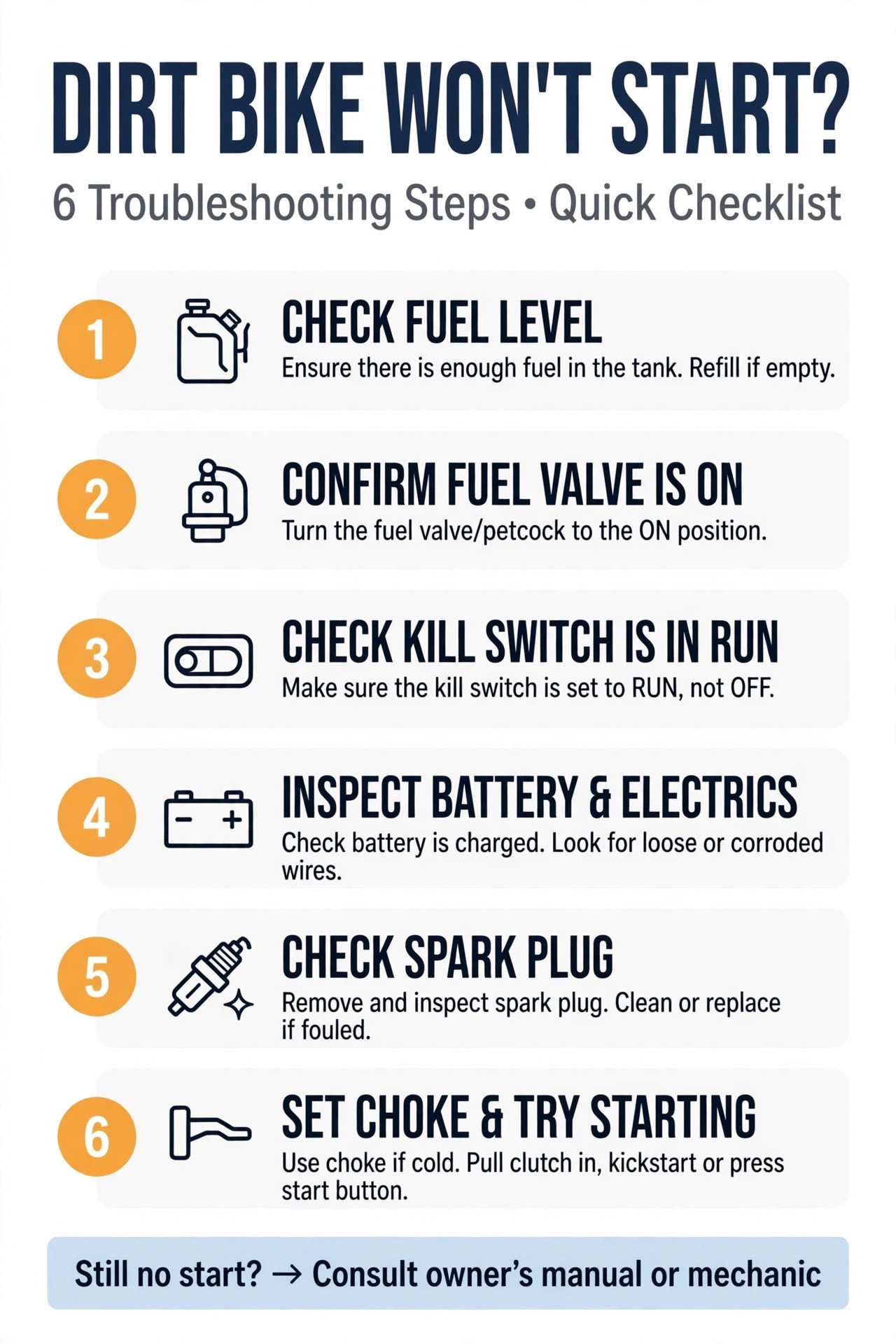
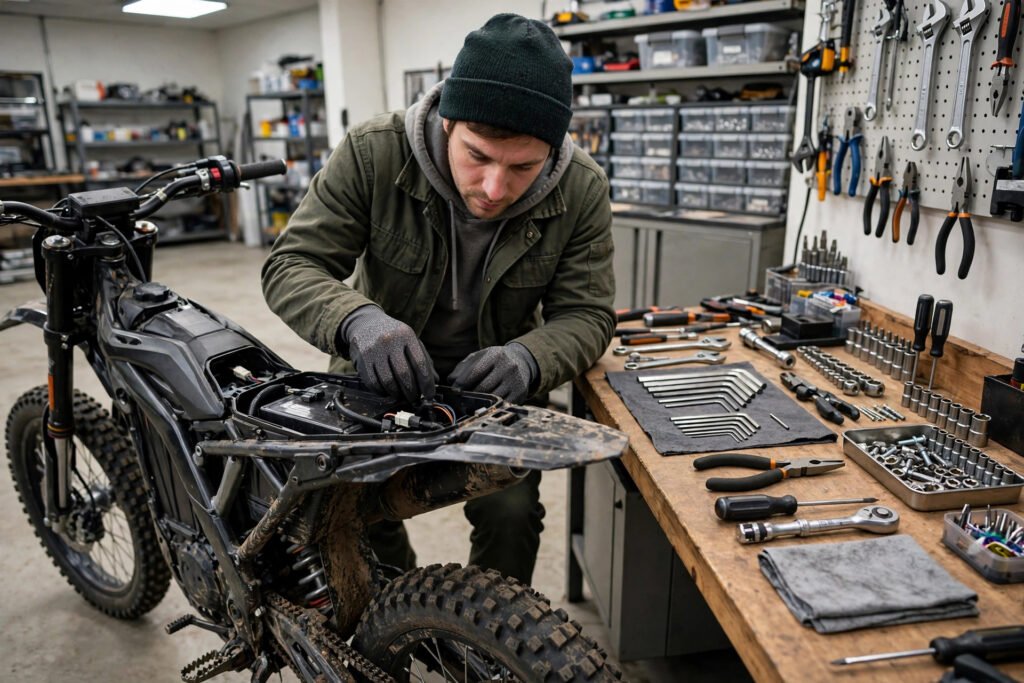
Your Surron or Talaria won’t turn on — no dash, no lights, nothing when you turn the key. Before you panic, know this: most no-power faults on electric dirt bikes are simple. A tripped breaker, a flat battery, a loose connector, or a BMS that has gone to sleep accounts for the large majority of cases, and all of them can be checked in under 15 minutes with no tools beyond your hands. This guide walks through the checks in order — cheapest and easiest first — covers the Surron-specific no-power case in detail, explains the Talaria differences, and tells you clearly when to stop and call a dealer. It does not tell you to open a battery pack, bypass a BMS, or bridge anything with a wire: those are dealer-only jobs, and doing them yourself risks fire, injury and a voided warranty.
Safety first. If the battery is swollen, hot, smells sweet or chemical, hisses, or has been in a crash or submerged in water, do not charge it, do not try to start the bike, and do not bring it indoors. Move it outside away from buildings if you can do so safely, and contact a dealer. The same applies if you see smoke or smell burning. No troubleshooting step in this guide is worth a battery fire.
The 2-minute triage: what exactly is happening?
“No power” means different things, and the fix depends on which one you have. Work out which of these matches your bike before you touch anything:
A. Absolutely nothing. No dash, no lights, no sounds, no response to the key or power button. The bike is completely dead. This guide is primarily for you — the cause is usually the breaker, the battery, or a main connector.
B. Dash lights up, but the bike will not run. The display comes on, but the throttle does nothing, or the bike shows an error code. The battery and main power are probably fine; the fault is in the controller, throttle, brake switch or motor wiring. Skip to the error-code section.
C. Dash flickers or dies when you twist the throttle. The bike powers up at rest but cuts out under load. That usually means a weak or unbalanced battery, a loose main connector, or a failing breaker. Do not keep trying to ride it — get the battery checked.
D. The charger will not start either. If the bike is dead and the charger also refuses to charge, the battery is likely in a low-voltage sleep state (BMS lockout) or has a fault. See the battery wake-up section — and if the wake-up steps do not work, it is a dealer job.
Write down what you observe before you start: which lights (if any) come on, any error codes on the dash, whether the charger light behaves normally, and what happened last time the bike ran (was it dropped? washed? stored for months? ridden in rain?). A dealer will ask these questions, and your answers will save diagnostic time.
Step 1: The breaker — the most common cause (2 minutes)
On a Surron Light Bee X, the main circuit breaker sits under the seat, near the battery. It is a small black switch or button that trips when the bike detects an overload, a short, or a hard impact — exactly the things that happen when you drop a dirt bike. A tripped breaker cuts all power, and the bike looks completely dead.
How to check it: remove the seat (usually one or two bolts, or a quick-release depending on model year). Find the breaker — a small rectangular unit with a switch or a push-button. If the switch is in the “off” or tripped position, or the button is popped out, push it back to “on” or press the button in firmly. Replace the seat, turn the key, and see if the dash comes on.
On a Talaria Sting, the layout is similar but the breaker location differs by model — check your owner’s manual for the exact position (on the MX4 it is accessible under the seat area). The principle is identical: find it, check whether it has tripped, reset it.
If the breaker trips again immediately, do not keep resetting it. A breaker that trips repeatedly is protecting you from a real fault — a short circuit, water ingress, or a damaged wire. Stop, and take the bike to a dealer. Repeatedly forcing a breaker back on can damage the controller and, in the worst case, start a fire.
Step 2: The key, the kill switch and the power button (1 minute)
It sounds obvious, and it is the cause more often than anyone admits.
Surron: turn the key fully to the “on” position — not halfway, not to “accessory”. Check the kill switch (usually on the right handlebar) is in the “run” position, not “off”. Some Surron models have a separate power button on the dash or the battery that must also be on. If your bike has a keyed ignition and a dash power button, both must be on.
Talaria: the Sting uses a keyed ignition and a handlebar power switch. Turn the key fully, press the power button, and check the kill switch. The Talaria’s display should show the battery percentage and mode when power is on.
Check the obvious: is the key the right key? (If you have two bikes, keys can look identical.) Is the key damaged or bent? Does the ignition barrel feel loose or gritty? A worn ignition switch can fail intermittently — if the dash flickers when you wiggle the key, the switch itself is the fault, and it is a dealer replacement.
Step 3: The battery — is it seated, charged and awake? (5 minutes)
The battery is the heart of the bike, and it is also the most common source of no-power faults — not because batteries fail often, but because they have a protection system (the BMS, or battery management system) that can shut the bike down to protect itself.
Is the battery properly seated?
On both Surron and Talaria, the battery is removable and sits in a cradle with a multi-pin connector at the base. If the battery is not fully seated — because it was removed for charging and not pushed home, or because it shifted in a crash — the connector does not make contact and the bike is dead.
How to check: remove the battery (follow your manual — on the Light Bee X it lifts out after releasing a latch; on the Talaria it slides out of the frame). Inspect the connector pins on both the battery and the bike: they should be clean, dry, straight and free of corrosion or dirt. Push the battery firmly back into place until it clicks or the latch engages. Turn the key and check the dash.
While the battery is out, check the battery’s own charge indicator if it has one (many Surron and Talaria batteries have a small button and LED gauge on the pack). If the gauge shows empty or no lights at all, the battery is flat — go to the charging section.
Is the battery flat?
A lithium battery that has been stored for weeks or months without charging can drop below the voltage at which the BMS will allow the bike to start. This is normal and protective — the BMS is preventing the cells from being damaged by over-discharge. But it looks exactly like a dead bike.
Symptoms of a flat battery: the bike was fine when you last rode it, it has sat for weeks or months, and now nothing happens. The charger may also refuse to start, or its light may blink red — because the charger cannot “see” a battery that is below its minimum voltage.
What to do: plug in the charger and leave it for at least 30 minutes before concluding it is not working. Some chargers need time to recognise a low battery. If the charger light stays red or blinking after 30 minutes, try the BMS wake-up procedure below.
The BMS wake-up (safe reset)
The BMS can go to sleep if the battery has been deeply discharged or left unused. Waking it up is a safe, manufacturer-recognised procedure — it does not involve opening the pack or bypassing anything.
Surron Light Bee X: the battery has a small button on the pack (sometimes called the BMS button or wake-up button). With the battery out of the bike, press and hold the button for 3–5 seconds. You should see the battery’s LED gauge light up. Refit the battery, plug in the charger, and leave it charging. If the charger light turns solid red (charging) rather than blinking, the wake-up worked — leave it to charge fully, which can take 3–5 hours from flat.
Talaria Sting: the Talaria battery also has a BMS button on the pack. The procedure is the same: press and hold for a few seconds, check the LED gauge, refit, and charge. On some Talaria models, you can also wake the BMS by plugging the charger in and out twice with a 10-second gap — check your owner’s manual for the exact sequence for your model.
What NOT to do: do not open the battery pack. Do not connect a bench power supply to “jump” the battery. Do not bypass the BMS. Do not short the terminals. These are the actions that cause battery fires, and they will void your warranty. If the wake-up procedure does not work after two attempts, the battery needs a dealer.
Is the battery damaged?
Inspect the battery case for swelling, cracks, dents or heat. A swollen battery — one that does not sit flat, or whose case is bowed — is a stop-riding, do-not-charge situation. Take it to a dealer for safe disposal. A battery that was submerged, crashed hard, or punctured should also go to a dealer, even if it looks fine from the outside. Internal cell damage is invisible and dangerous.
Step 4: The charger — is it the bike or the charger? (3 minutes)
If the bike will not turn on and the battery seems flat, the charger itself may be the problem. Isolate it:
Check the outlet. Plug something else (a phone charger, a lamp) into the same socket. Check the circuit breaker in your house or garage. Try a different socket. A tripped GFCI/RCD in a garage is a common cause of “the charger does not work”.
Check the charger. When plugged into the wall (but not the bike), the charger should show a standby light — usually green, or a specific colour per the manual. If there is no light at all, the charger may be dead, the cable may be damaged, or the fuse in the plug may have blown (UK plugs). Inspect the cable for cuts, kinks or melted spots. If the cable is damaged, do not use the charger — replace it.
Check the charge port. On the bike, inspect the charge port for dirt, corrosion, bent pins or water. Clean it gently with a dry cloth or compressed air. Do not poke metal objects into it. If the port is damaged, it is a dealer repair.
Charger light meanings (general — check your manual for exact meanings):
– Solid green: charged, or standby
– Solid red: charging normally
– Blinking red: fault, or battery too low to accept charge (BMS lockout)
– Red/green alternating: fault or balancing
– No light: no power to the charger, or charger dead
If the charger works on another bike or battery, the fault is in your bike or battery. If the charger does not work on any bike, the charger is the fault — and a replacement charger is far cheaper than a replacement battery.
Step 5: Fuses, connectors and wiring (10 minutes, basic tools)
If the breaker, key, battery and charger all check out, the fault is in the bike’s wiring. These checks need a basic toolkit (usually just the Allen keys that came with the bike) and a methodical approach.
Main fuse. Most e-motos have a main fuse in addition to the breaker, usually near the battery or controller. Check your manual for its location. Remove it and inspect: a blown fuse has a broken wire inside or a blackened window. Replace it only with the same rating — never a higher rating, and never a wire or foil. If the new fuse blows immediately, there is a short circuit, and it is a dealer job.
Connectors. Trace the main wiring from the battery to the controller: the big multi-pin connector at the battery, the connector at the controller, and the connectors at the dash and throttle. Each should be fully seated, with no corrosion, no bent pins, and no water inside. Unplug and reseat each one firmly. Pay particular attention to connectors that have been exposed to water — washing the bike with a pressure washer is a common cause of connector faults. Never pressure-wash electrical connectors directly.
Throttle connector. A loose or damaged throttle connector can prevent the bike from starting, or cause it to start and then cut out. The throttle connector is usually a small multi-pin plug near the handlebars or under the tank cover. Check it is seated, and check the throttle cable (if any) for damage.
Brake switches. Most e-motos have a safety interlock: the bike will not run if it thinks a brake is applied. A stuck or faulty brake switch (usually a small switch at the brake lever) can prevent starting. Check that both brake levers return fully, and that the brake light (if fitted) is not stuck on. If the brake lever feels sticky or the switch is visibly damaged, it is a dealer repair — do not bypass the switch.
Wiring damage. Look for chafed, melted, pinched or chewed wires, particularly where the wiring passes through the frame, near the steering head (where it flexes when you turn the bars), and near the rear wheel (where it can catch on the tyre). Any damaged wire is a dealer repair — do not tape it up and ride.
Step 6: Error codes — what the dash is telling you
If the dash comes on but the bike will not run, the display may show an error code. The codes differ by brand and model, and the exact list is in your owner’s manual — but the common ones are:
| Symptom / code area | Likely cause | What to do |
|---|---|---|
| Code in the 10–19 range (Surron) | Battery / BMS fault, including low-voltage lockout | Try the BMS wake-up; if it persists, dealer |
| Code in the 30–49 range (Surron) | Controller communication fault | Check connectors; if it persists, dealer |
| Throttle error | Throttle sensor or connector fault | Check throttle connector; do not ride with a faulty throttle |
| Hall sensor / motor error | Motor sensor or wiring fault | Dealer — motor work is not a home job |
| Temperature warning | Motor or battery overheating | Let the bike cool fully; check for blocked airflow |
| Brake switch error | Brake switch stuck or faulty | Check levers return fully; dealer if persists |
Write down the exact code before you turn the bike off — it will help the dealer diagnose the fault, and some codes clear on restart (which does not mean the fault is gone).
The Surron-specific no-power case
The Surron Light Bee X has a few no-power quirks that are specific to the brand and worth knowing:
The 2025/2026 revision differences. Surron has sold the Light Bee X in several revisions, and the breaker location, the BMS button position and the dash behaviour differ between them. If you are following a video or a forum post, confirm it matches your model year — a 2023 fix may not apply to a 2026 bike. Your owner’s manual is the authority for your specific bike.
The “code 14” low-voltage lockout. Surron owners frequently report a fault code in the low teens (commonly cited as code 14 in owner forums) when the battery has been deeply discharged. The bike will not start, and the charger may refuse to charge. The fix is the BMS wake-up procedure above — press and hold the battery button, refit, and charge. If that does not work after two attempts, the battery may have a genuinely dead cell, and it needs a dealer.
Water ingress. The Light Bee X is not waterproof, and the controller and connectors are vulnerable to pressure washing and deep water crossings. If your bike died after a wash or a water crossing, the most likely cause is water in a connector. Let the bike dry thoroughly in a warm, dry place for 24–48 hours (battery removed, seat off, connectors exposed to air), then try again. Do not use a heat gun or a hair dryer on the battery. If it still will not start after drying, take it to a dealer — water damage can cause corrosion that appears weeks later.
The kickstand and tilt sensors. Some Surron models have a kickstand sensor that prevents the bike from running with the stand down, and a tilt sensor that cuts power if the bike falls over. If your bike died after a fall, check that the kickstand is fully up and the bike is upright, then cycle the key off and on. If the tilt sensor is stuck, it may need a dealer reset.
The Talaria-specific no-power case
Talaria Sting models have their own quirks:
The gearbox and the dash. On the MX4 and MX5, the dash communicates with the gearbox controller as well as the motor controller. A fault in the gearbox system can prevent the bike from starting even though the battery and motor are fine. If the dash shows a gearbox-related error, do not attempt to fix it yourself — gearbox work is a dealer job.
The Talaria BMS button. Talaria’s BMS button is on the battery pack, but its position and the hold time differ by model (MX3, MX4, MX5). Check your manual. On some models, a short press shows the charge level; a long press (3–5 seconds) wakes the BMS. Pressing the wrong button or holding it too long can put the battery into a different mode — follow the manual exactly.
The Talaria charger. Talaria chargers are model-specific. Using a Surron charger on a Talaria (or vice versa) can damage the battery and will void the warranty. Always use the charger that came with your bike, or an exact manufacturer-approved replacement.
When to stop and call a dealer
Stop troubleshooting and call a dealer if any of these apply:
- The battery is swollen, hot, smells, or has been crashed or submerged
- The breaker trips repeatedly, or a fuse blows immediately after replacement
- You see smoke, smell burning, or find melted or charred wiring
- The BMS wake-up does not work after two attempts
- An error code persists after checking connectors and cycling the key
- The bike died after a crash and you suspect frame or battery damage
- You are not confident about any step — a dealer diagnostic costs less than a battery fire
When you call, have ready: the bike’s model and year, the symptoms (which of A–D above), any error codes, what happened last time it ran, and what you have already tried. That information will save the dealer time and save you money.
Prevention: how to avoid a no-power fault
Charge regularly. Do not leave the bike unused for months with a flat battery. If you will not ride for more than a month, charge the battery to 40–60% and check it monthly, topping up if it drops below 30%. Our Battery Guide covers storage in detail.
Store indoors. Keep the bike and battery in a dry garage or shed, not outside in the rain. Cold is less damaging than damp, but both shorten battery life.
Do not pressure-wash electrical parts. Wash the bike with a bucket and sponge, and keep the hose away from the dash, the controller, the battery connector and the charge port. If you must use a hose, use low pressure and keep it away from electrical components.
Check the breaker after a fall. If you drop the bike, check the breaker before you assume something is broken. It trips for a reason, and resetting it is a two-minute job.
Keep connectors clean and dry. After riding in rain or mud, wipe down the connectors and let the bike dry before storing it. A small amount of dielectric grease on accessible connectors (not on the battery’s main pins unless your manual says so) can prevent corrosion — ask your dealer which connectors to treat.
What a dealer fix typically costs
Costs vary by dealer and region, but as a rough guide (November 2026, US): a diagnostic fee is typically $50–$100 (often waived if you proceed with the repair); a replacement breaker or fuse is $20–$50 plus labour; a replacement throttle is $50–$120; a replacement controller is $300–$600; a replacement battery is $800–$1,500. If the bike is under warranty, the repair may be free — check your warranty terms before paying for anything, and do not attempt a repair that might void it. Always get a written quote before authorising work.
Frequently asked questions
Why won’t my Surron turn on?
The most common causes are a tripped breaker (under the seat), a flat battery in BMS sleep, a battery that is not fully seated, or the kill switch being off. Check the breaker first, then the key and kill switch, then the battery seating and BMS wake-up button. If none of those work, check the charger and fuses — and if the battery is swollen or hot, stop and call a dealer.
Why won’t my Talaria turn on?
The same checks apply: breaker, key and power switch, battery seating, and the BMS wake-up button on the pack. Talaria-specific causes include a gearbox controller fault (which shows on the dash) and using the wrong charger. Always use the Talaria charger that came with your bike.
My Surron shows no power at all — is the battery dead?
Not necessarily. A completely dead dash is more often a tripped breaker or a BMS sleep state than a dead battery. Check the breaker, press the BMS wake-up button on the battery pack, and try charging for 30 minutes. If the battery is swollen, hot or smells, do not charge it — call a dealer.
How do I wake up a Surron battery?
Press and hold the BMS button on the battery pack for 3–5 seconds until the LED gauge lights up, refit the battery, and plug in the charger. If the charger light turns solid red, the wake-up worked — leave it to charge fully (3–5 hours from flat). Do not open the pack or use a bench power supply; if two wake-up attempts fail, it is a dealer job.
Can I use another charger on my Surron or Talaria?
No — use only the charger supplied with your bike, or an exact manufacturer-approved replacement. Chargers are matched to the battery’s voltage and BMS. Using the wrong charger can damage the battery, cause a fire, and void the warranty.
My electric dirt bike turns on but the throttle does nothing — what is wrong?
That is usually a throttle, brake-switch or controller fault rather than a battery fault. Check that the brake levers return fully (a stuck brake switch prevents the bike from running), check the throttle connector, and note any error code on the dash. Do not ride with a faulty throttle — take it to a dealer.
Why does my electric dirt bike cut out when I twist the throttle?
The bike powers up at rest but dies under load. The usual causes are a weak or unbalanced battery, a loose main connector, or a failing breaker. Do not keep riding it — check the battery connector seating and the breaker, and if the problem persists, have the battery tested by a dealer.
Is it safe to reset the breaker on my electric dirt bike?
Yes, once — if it tripped after a fall or an overload. If it trips again immediately, or trips repeatedly, stop: it is protecting you from a real fault such as a short circuit. Repeatedly forcing a breaker on can damage the controller and cause a fire.
How do I stop my electric dirt bike battery from going flat in storage?
Charge it to 40–60% before storage, check it monthly, and top it up if it drops below 30%. Store it indoors in a dry place, ideally at room temperature. Never store a lithium battery fully flat or fully charged for months — both shorten its life and can trigger a BMS lockout.
When should I take a non-starting electric dirt bike to a dealer?
If the battery is swollen, hot or smells; if the breaker or fuse fails repeatedly; if the BMS wake-up does not work; if an error code persists; or if the bike died after a crash or water exposure. Also go to a dealer if you are not confident about any step — a diagnostic fee is far cheaper than a damaged battery or controller.
Related guides
- Surron Battery Won’t Charge? 9 Fixes That Actually Work — the charging companion to this guide (planned, other batch)
- How to Check Surron Battery Health — voltage, range and cell balance checks (planned, other batch)
- Surron Charger Blinking Red / Green? — charger light meanings (planned, other batch)
- Talaria Battery Not Charging? — the Talaria charging guide (planned, other batch)
- Electric Dirt Bike Battery Guide — battery care and storage (live on PumpFlow)
- Electric Dirt Bike Charging Guide — charging times and best practice (live on PumpFlow)
- Electric Dirt Bike Maintenance Guide — the full service checklist (live on PumpFlow)
This guide covers safe checks only. Never open a battery pack, bypass a BMS, or remove a speed limiter — those are dealer-only jobs. If in doubt, stop and call a dealer.